Email/Password Authentication
Integrate email/password sign-up, sign-in, sessions, password reset, and optional email verification with prebuilt or custom UI.
Add email/password authentication to an existing application.
Add SuperTokens email/password authentication to this existing application. First inspect the project stack and current SuperTokens configuration. Configure the frontend and backend EmailPassword and Session recipes, the chosen pre-built or custom UI, auth routes, password reset flow, and environment variables. Ask whether email verification is required if it is not clear. Preserve existing conventions, do not commit secrets, and validate the sign-up, sign-in, sign-out, session refresh, and password reset flows with the relevant tests and build.
Overview
The Email/Password recipe provides a way of authenticating users with basic credentials.
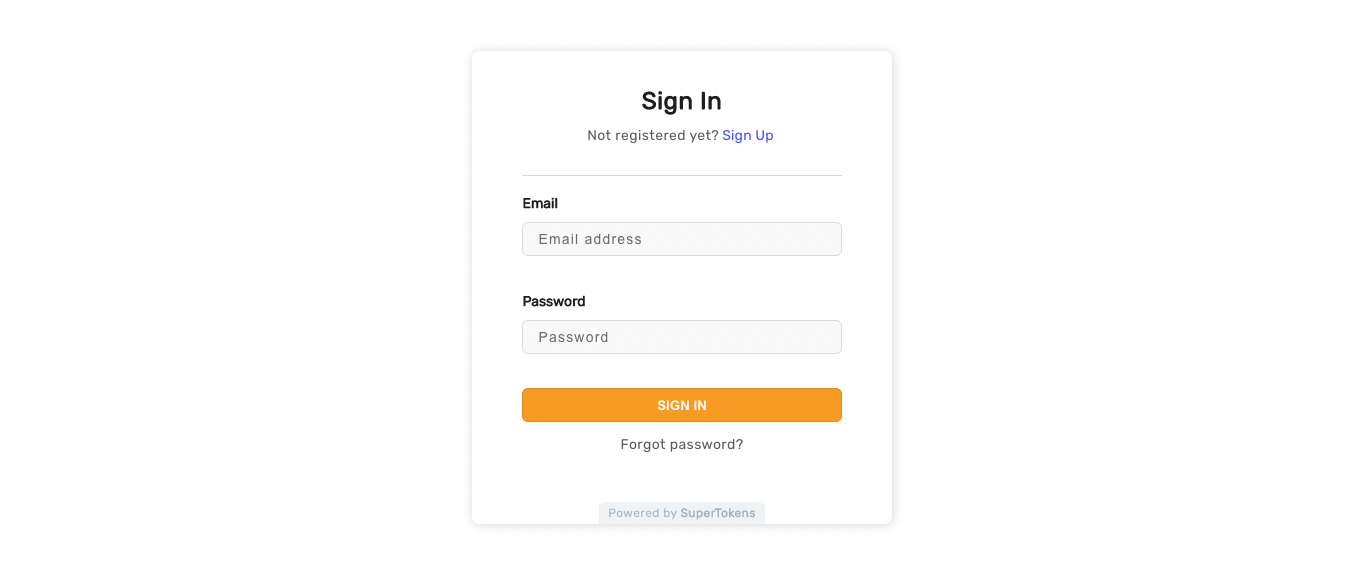
You can use it out of the box, with the Pre-Built UI, or implement your own interface through the available SDKs.
Getting started
You can either follow the quickstart tutorial or use the CLI tool to generate an example app that shows you how the recipe works.
Customization
To adjust the functionality to fit your use case you can explore different sections from the documentation.
Sign In Form Customization
Adapt the look and feel of the pre-built sign in form.
Sign Up Form Customization
Adapt the look and feel of the pre-built sign up form.
Hooks and Overrides
Add custom logic after the user logs in or signs up.
Password Hashing
Read which hashing algorithms you can use and how to use them.
Username Login
Discover how you can implement an authentication flow that makes use of usernames instead of email addresses.